
Blog
More autonomy, communication and efficiency for warehouse operations
The pressure on logistics operations continues to increase. Companies are looking to deliver faster, reduce errors, improve stock control and ensure that information flows seamlessly between the warehouse and the back office.
In this context, the new release introduces a range of improvements focused on productivity, mobility and the simplification of operational processes. By giving operators greater autonomy, improving communication between teams and simplifying processes, this version reinforces the role of myWMS as a solution designed to meet the demands of modern warehouse operations.
Greater autonomy and communication, with fewer interruptions
In many organisations, warehouse productivity is affected by repetitive tasks, reliance on the back office and communication gaps between teams. The new myWMS features help reduce these interruptions by giving operators greater autonomy and providing the information they need in the context of each operation.
With two-way comments between Microsoft Dynamics 365 Business Central and myWMS, back-office and warehouse teams can share instructions, alerts and notes directly within documents. Communication becomes faster, centralised and traceable, reducing the need for phone calls, emails or informal notes.
Warehouse receipts created directly in myWMS
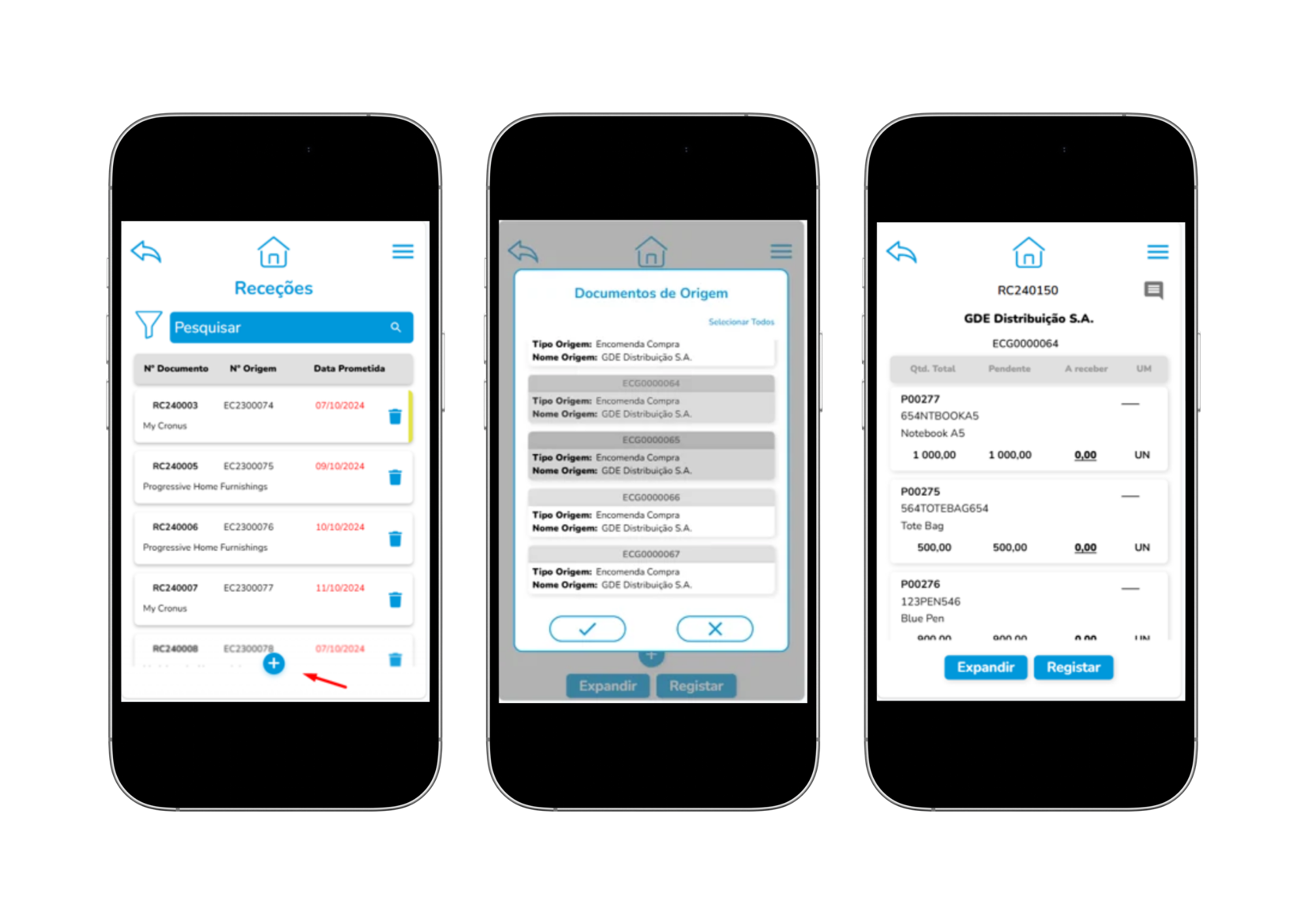
With this version, operators can create warehouse receipts directly from their mobile device. Using eligible source documents, they can generate the receipt and start the operational process without relying on the back office to create it in advance.
For companies receiving goods throughout the day, this feature can speed up the start of operations, reduce administrative tasks and give teams responsible for incoming stock greater autonomy.
Partial delivery management directly during receiving
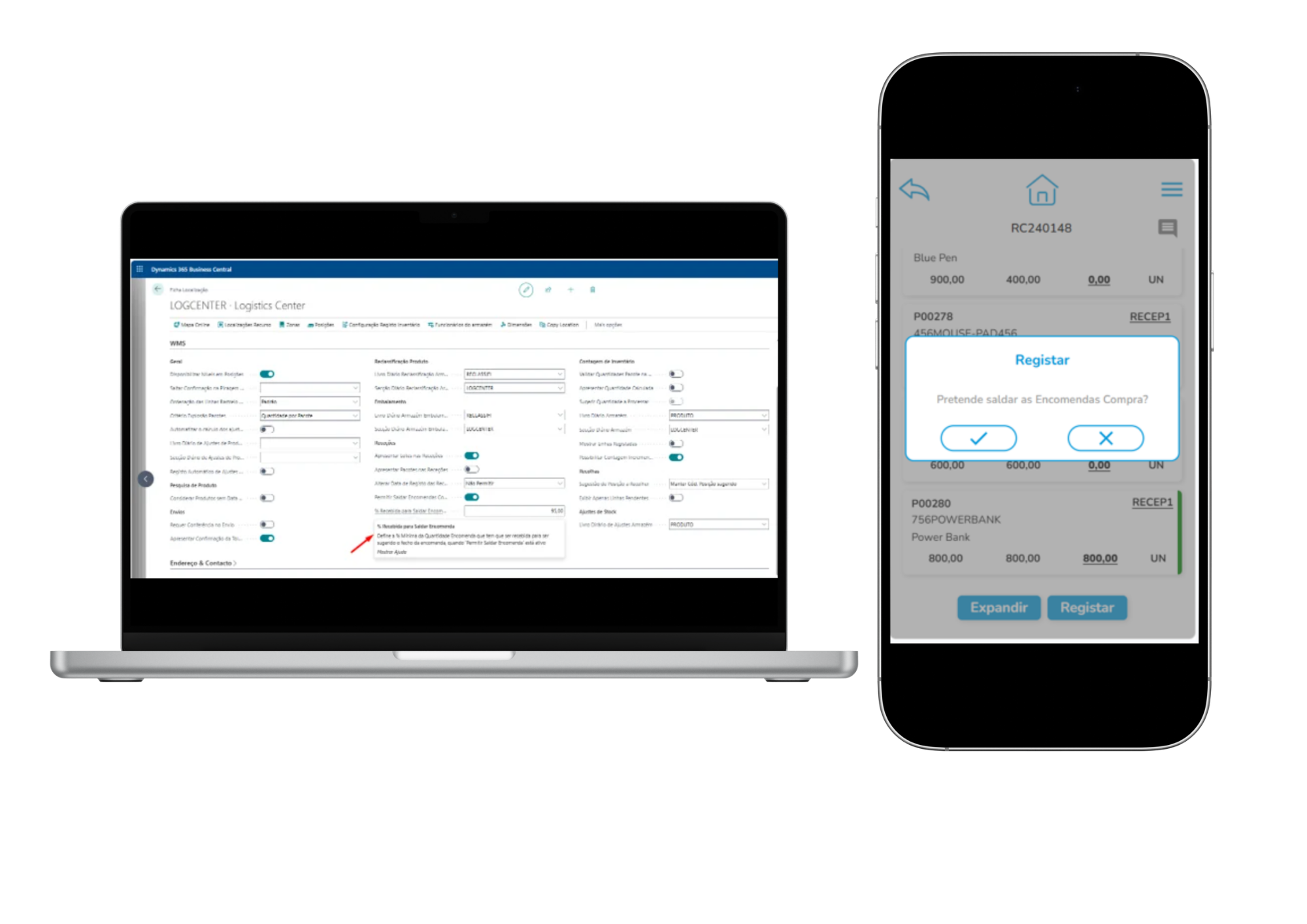
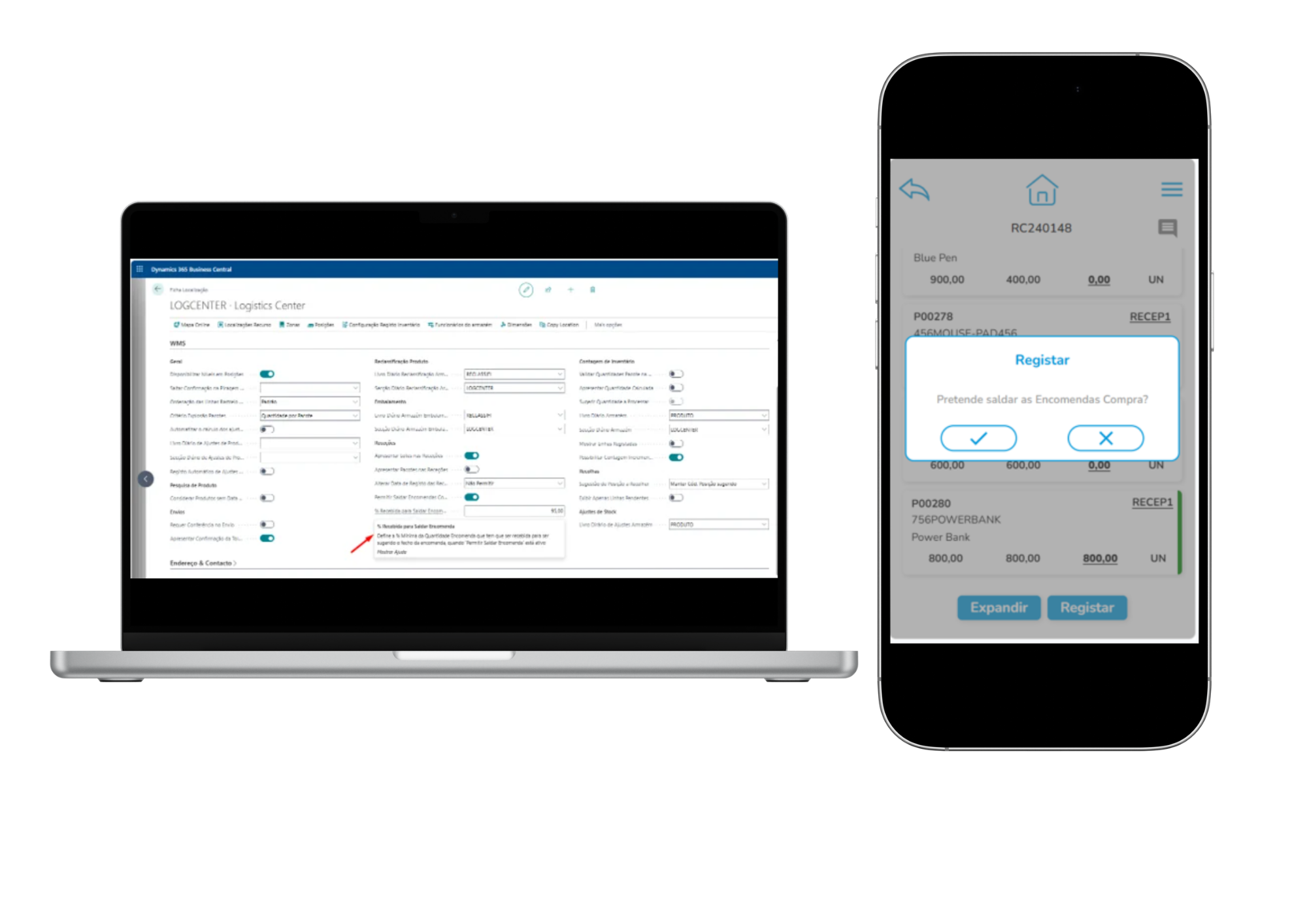
Partial deliveries are a common reality in logistics operations. To make them easier to manage, myWMS now allows purchase orders to be closed directly during the receiving process, based on previously configured tolerances.
When the quantity received falls within the defined criteria, the operator can decide directly on the device whether to close the purchase order or keep the remaining quantity outstanding. The decision is made directly on the warehouse floor, reducing the need for subsequent intervention and speeding up the completion of the process.
Manual data entry available across the application
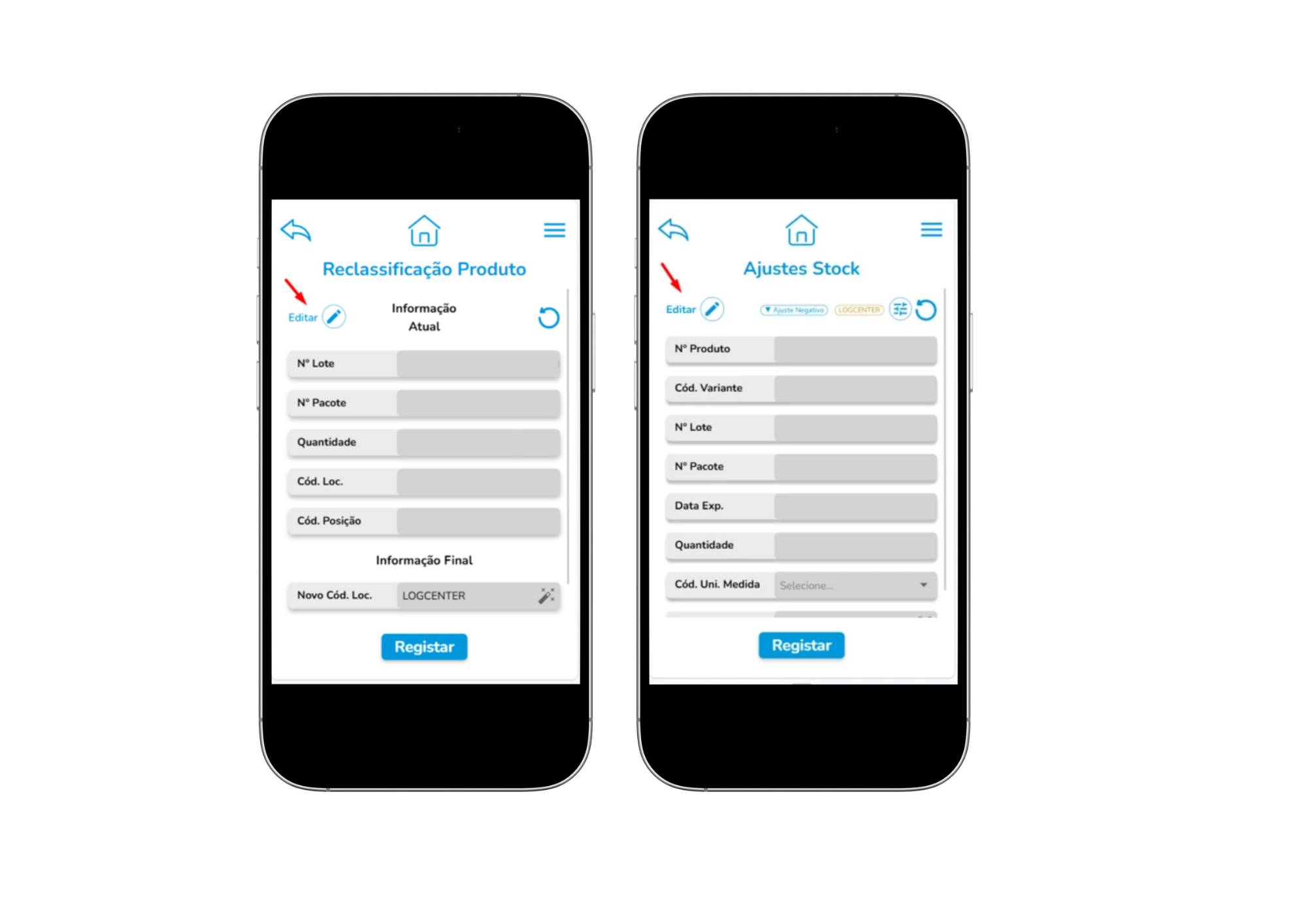
Not every scenario allows operators to work exclusively with barcodes. Some products may not be labelled, labels may be damaged, or contingency situations may require data to be entered manually.
This option was already available in myWMS, but not across all menus. With this version, manual data entry is now available throughout the application, where authorised, allowing operators to enter information such as the product, lot and quantity and continue the operational workflow even when a label cannot be scanned.
Package preparation during shipping
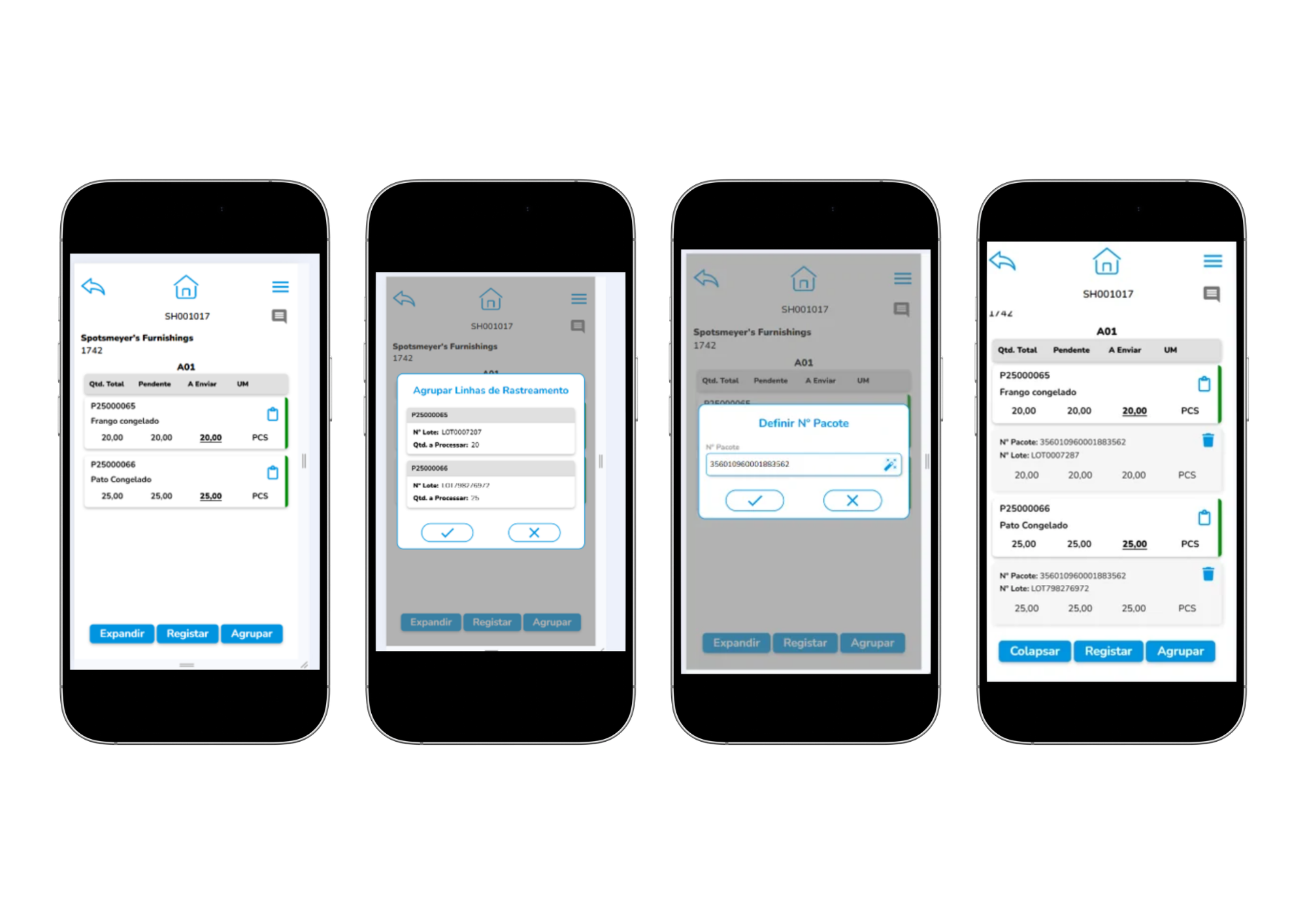
Are products in your warehouse only grouped onto pallets when it is time to ship them? With this version, myWMS allows products to be grouped directly during shipment preparation. In this scenario, the operator can select multiple products and assign them to a single pallet within the same menu they are working in, without having to switch to another screen.
The pallet identifier can be entered manually, scanned or generated automatically, depending on the defined process. In these scenarios, product grouping becomes part of the shipment preparation process, making operations simpler and avoiding additional steps.
Printing multiple labels in a single action
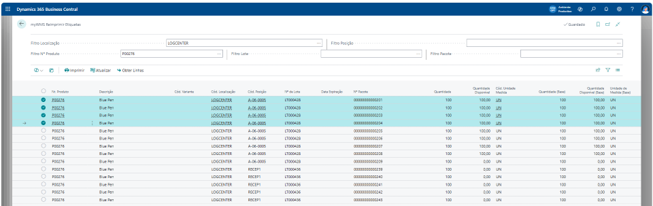
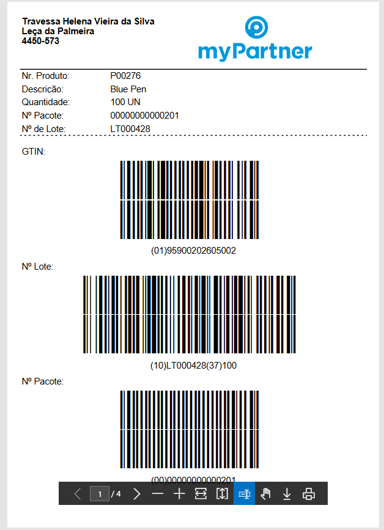
Label printing is a frequent task in warehouse operations, particularly where there is a high volume of transactions. With this version, operators can select multiple lines, including different products or lots, and print all the labels in a single action.
By eliminating the need to print each label individually, this improvement reduces repetitive steps, speeds up stock identification and makes the process more efficient.
Greater control over stock adjustments
Stock adjustments are essential for keeping system information aligned with the physical reality of the warehouse. At the same time, these operations require control, traceability and clear validation criteria.
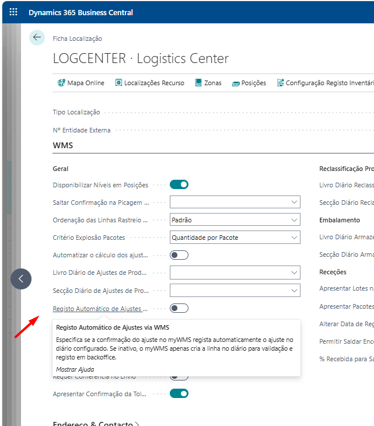
The new release allows organisations to configure a workflow in which adjustments made in myWMS remain pending until they are validated in the back office, following the logic of the existing inventory counting process. Stock is only updated after the adjustment has been approved, strengthening supervision, traceability and internal control over this type of operation.
Complete transfer order management in myWMS
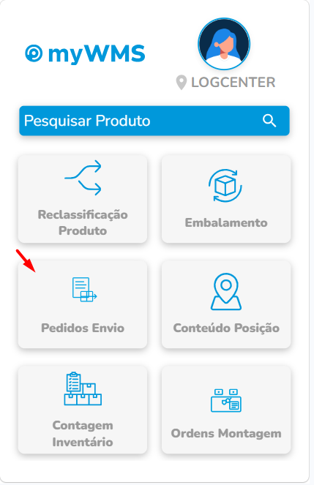
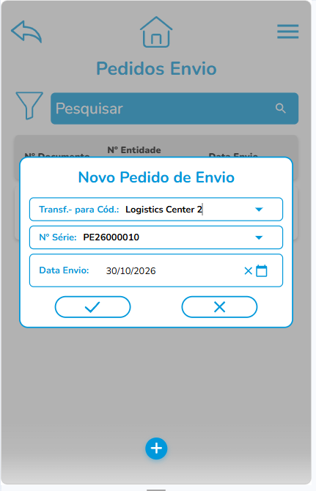
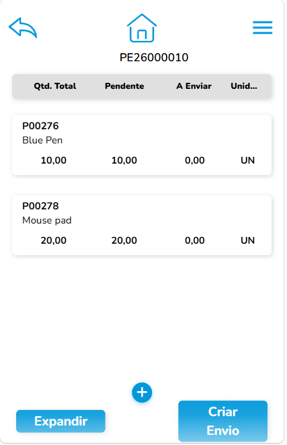
One of the new features is support for Transfer Orders directly in myWMS. Operators can create a stock transfer between locations, process the shipment at the source and receive the stock at the destination, completing the entire cycle without returning to the back office.
This feature simplifies stock movements between locations or warehouses and helps keep the operational process centralised within myWMS.
Smart package scanning
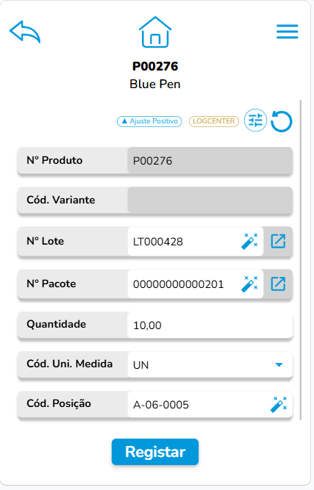
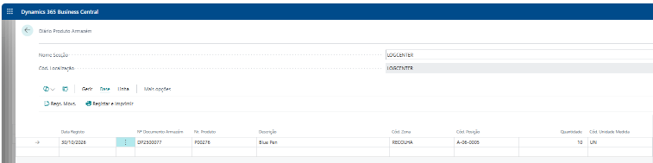
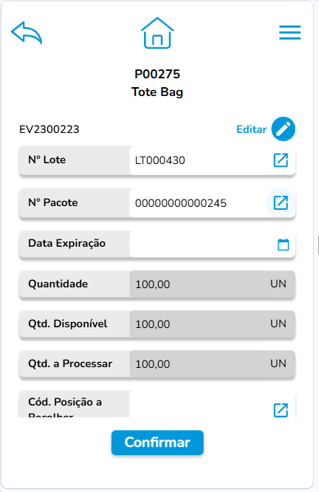
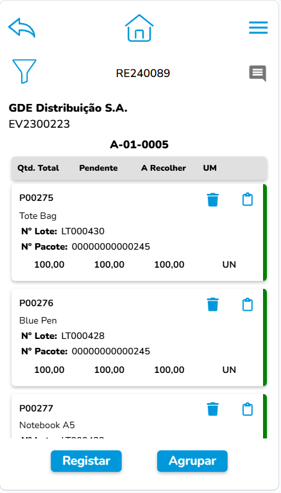
During stock movements between locations and/or bins, scanning a package containing multiple products or lots now automatically generates the required lines in the document. Instead of creating each line manually, the operator scans the package and the system displays its entire contents in a structured format.
This automation reduces manual data entry, improves data consistency and simplifies the handling of packages containing multiple lines.

Small improvements that make a difference in day-to-day operations
In addition to the new operational capabilities, the release includes several usability improvements designed to make interaction with the application simpler and more predictable:
- Consistent behaviour when expanding and collapsing information across different screens;
- More intuitive editing of numerical values;
- Configurable display time for error messages;
- Greater control when changing quantities in tracking lines (lots);
- Clearer terminology for packaging and package breakdown processes;
Individually, each improvement may seem small. Together, they help reduce uncertainty, speed up recurring tasks and create a more consistent experience for operators.
Another step forward in the digitalisation of warehouse operations
The new release strengthens the positioning of myWMS as a warehouse management solution designed to address the current challenges facing logistics operations.
By increasing operator autonomy, improving communication between teams and simplifying processes such as receiving, picking, shipping, adjustments and transfers, this version helps organisations operate with greater efficiency and operational control.
In an environment where speed, traceability and information quality are critical, these developments represent another step forward in the digital transformation of logistics and warehouse management.
Want to discover the new myWMS features?
Talk to our team and discover how myWMS, integrated with Microsoft Dynamics 365 Business Central, can help optimise your warehouse processes, increase team productivity and improve operational control.
This article was written with the help of Copilot.
Poderá também gostar de
Todos os Artigos

myWMS continues to evolve to meet the growing demands of modern logistics operations.
myWMS: What’s New in 2026 1st Wave
Todos os Artigos
